Why Is User Activity Monitoring Software Important for Remote Teams?
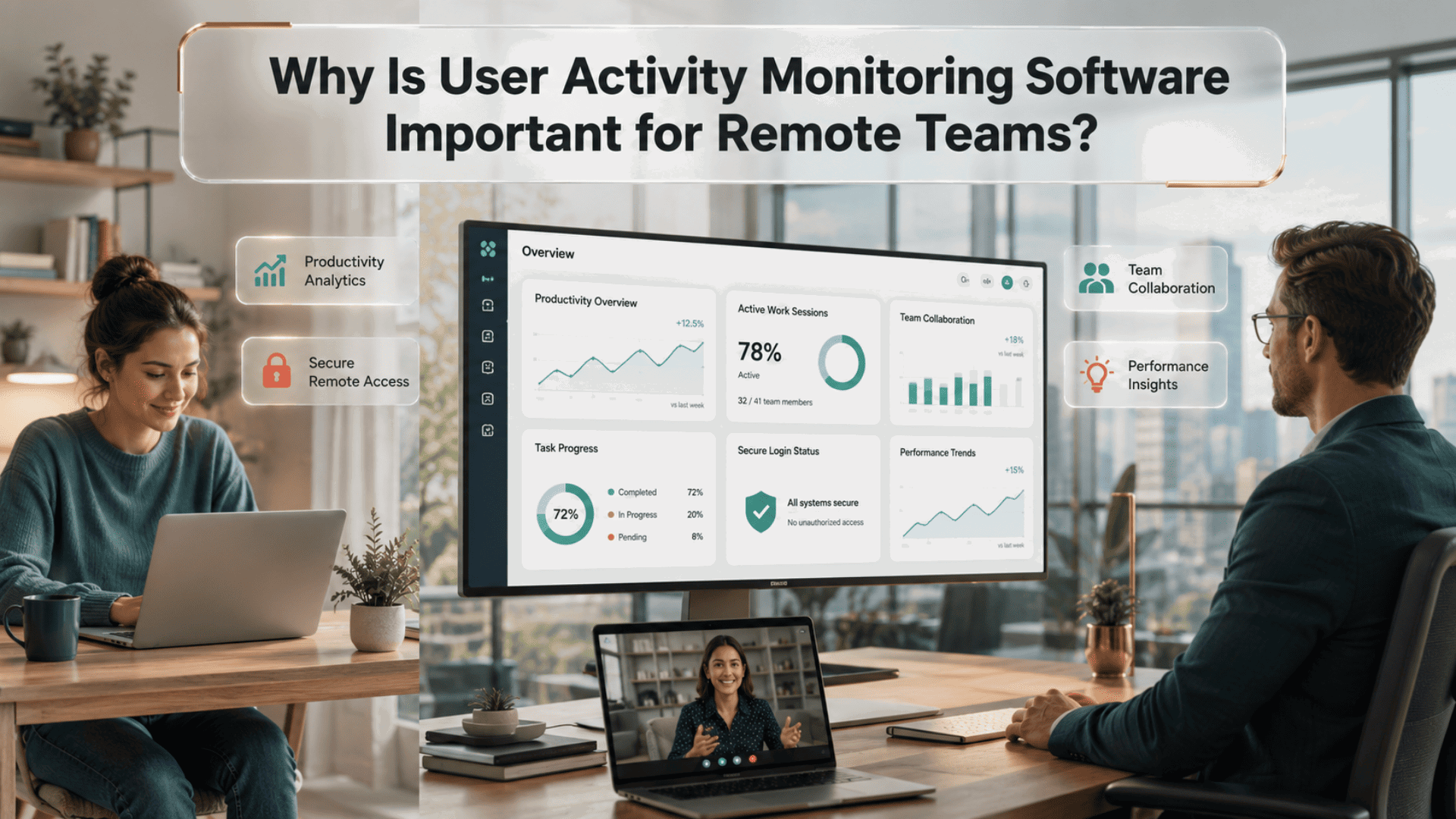
Can businesses effectively manage remote employees while maintaining productivity and security?
As remote and hybrid work become the standard for many organizations, companies face a new challenge: ensuring employees have the resources they need while protecting sensitive business information. Managers want visibility into workflows without creating a culture of distrust, and IT teams need better insight into potential security risks. Modern monitoring solutions help organizations achieve this balance by providing accurate activity insights, improving operational efficiency, and identifying unusual behavior before it becomes a larger issue. When implemented transparently and ethically, these tools support accountability, strengthen cybersecurity, and help teams work more effectively regardless of location.
What Is User Activity Monitoring Software?
User activity monitoring software helps organizations record, analyze, and review employee interactions with company systems, applications, websites, and digital resources. Instead of relying on assumptions, businesses gain measurable insights into work patterns, productivity trends, and potential security concerns. These solutions typically collect activity data such as:
- Application usage
- Website access
- Login and logout activity
- File access and transfers
- Device usage
- Productivity trends
- Security events
The goal is not constant surveillance but improved visibility that supports better decision-making, stronger compliance, and safer business operations.
Why User Activity Monitoring Software Matters for Remote Teams
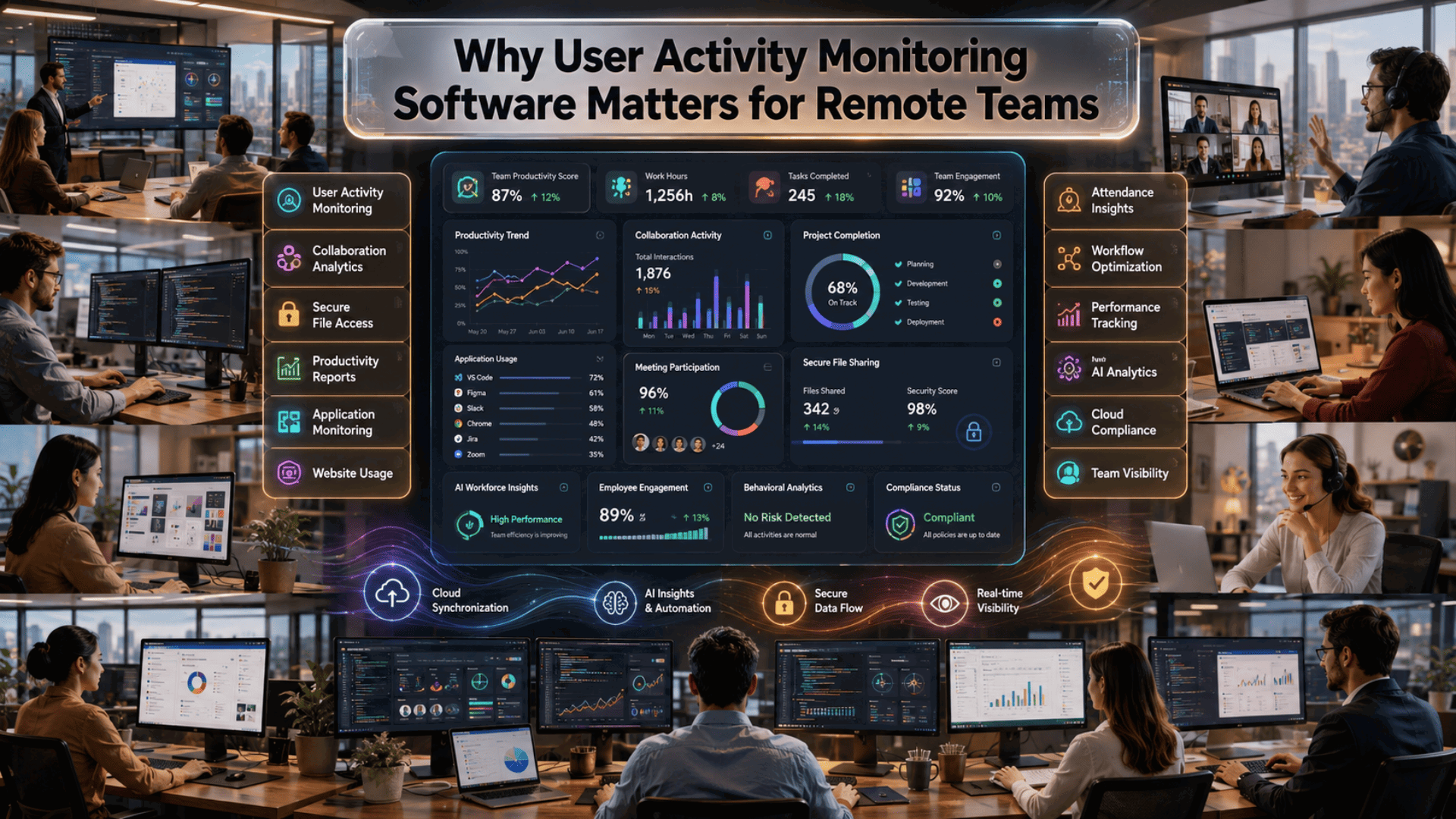
Remote work offers flexibility, but it also introduces challenges that traditional office environments rarely encounter. Without direct visibility into daily operations, organizations need reliable ways to understand workflows and identify issues before they affect productivity or security.
Key reasons include:
Improved Productivity Visibility
Managers can understand how work is completed rather than simply tracking hours worked. Productivity insights help identify bottlenecks, inefficient processes, and opportunities for improvement.
Better Cybersecurity Protection
Remote employees often access company systems from multiple locations and devices. Monitoring helps detect suspicious behaviors such as unusual login attempts, unauthorized file access, or excessive downloads.
Stronger Compliance
Organizations operating in regulated industries often need detailed activity records for audits and compliance requirements. Automated monitoring simplifies recordkeeping while reducing manual effort.
Faster Issue Resolution
When IT teams can quickly identify system misuse, software conflicts, or workflow interruptions, problems are resolved faster, reducing downtime.
Key Benefits for Modern Organizations
Businesses invest in monitoring solutions because they provide value across multiple departments. Some of the biggest advantages include:
- Greater operational transparency
- Faster incident investigation
- Improved resource allocation
- Better workload distribution
- More accurate performance reporting
- Enhanced data protection
- Reduced insider security risks
- Better collaboration across distributed teams
These insights help organizations make evidence-based decisions instead of relying on assumptions.
Features Businesses Should Look For
Choosing the right platform requires evaluating features that align with business goals. Important capabilities include:
Real-Time Activity Monitoring
Provides immediate visibility into ongoing user actions, allowing administrators to identify unusual behavior quickly.
Application and Website Tracking
Shows which business applications support productivity and which activities may reduce efficiency.
File Activity Monitoring
Tracks file creation, modification, movement, and deletion to help protect confidential information.
Behavior Analytics
Artificial intelligence can identify unusual patterns that may indicate security risks or compromised accounts.
Custom Reports
Automated reporting helps managers review productivity trends, security events, and compliance requirements with minimal manual effort.
Role-Based Access
Different departments should only access the monitoring information relevant to their responsibilities.
Best Practices for Successful Implementation
Technology alone does not guarantee success. Organizations should combine monitoring tools with clear communication and transparent policies. Consider these best practices:
- Explain why monitoring is being implemented.
- Share privacy policies with employees.
- Monitor business activities instead of personal behavior.
- Focus on improving workflows rather than micromanaging staff.
- Regularly review collected data for meaningful insights.
- Update monitoring policies as business needs evolve.
Transparency helps build trust while ensuring monitoring remains ethical and effective.
How Monitoring Supports Workforce Productivity
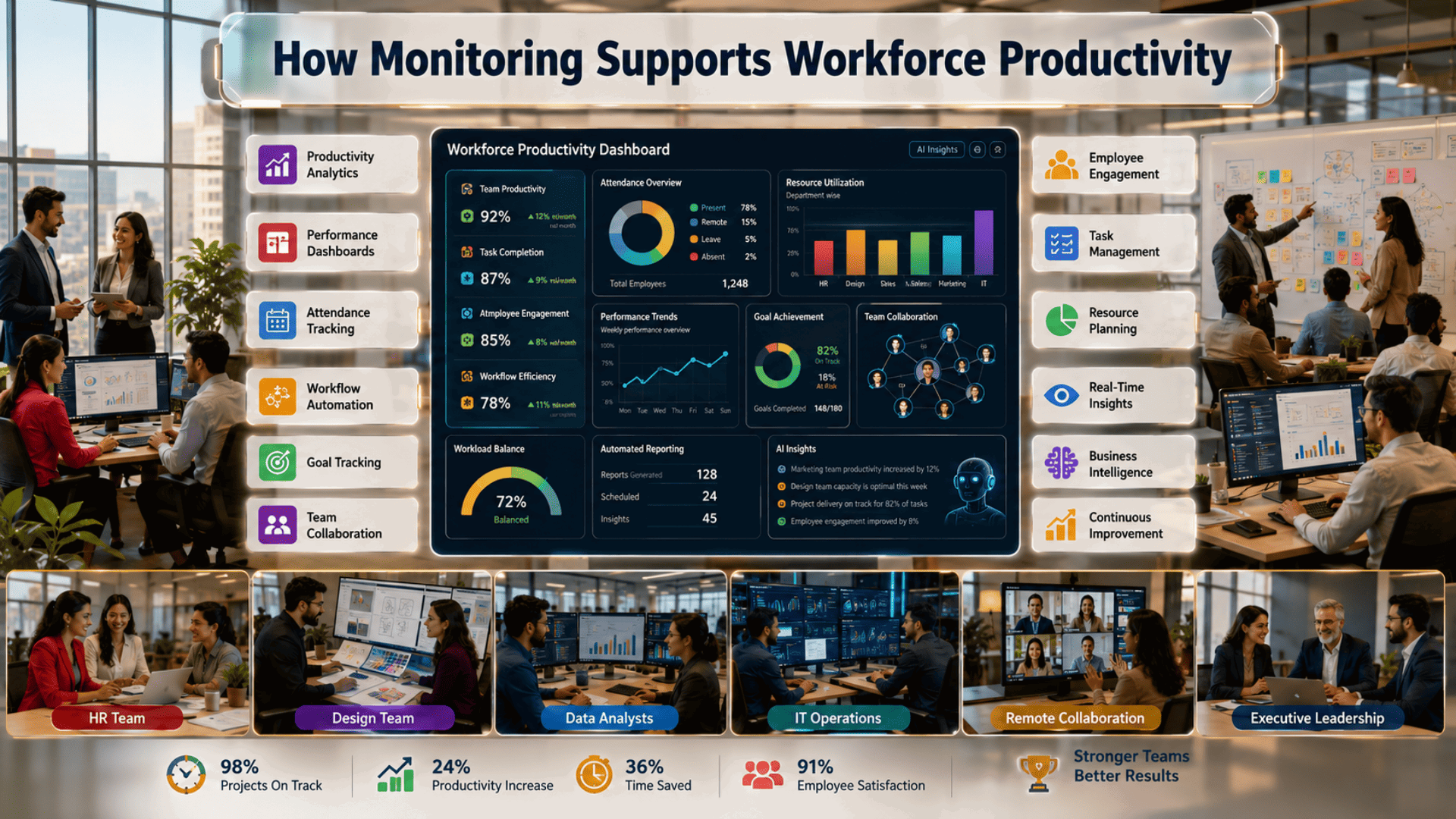
Activity insights become even more valuable when combined with operational data from employee time tracking software. Together, these systems help organizations understand not only how employees spend their working hours but also how projects progress, where delays occur, and which workflows require optimization. This combined visibility helps businesses:
- Improve project planning
- Balance workloads across teams
- Identify training opportunities
- Optimize remote collaboration
- Reduce operational inefficiencies
- Make more informed management decisions
Rather than measuring employees solely by hours worked, organizations can focus on outcomes, efficiency, and continuous improvement.
Common Challenges Organizations Should Consider
Although monitoring solutions offer many advantages, businesses should address potential concerns before deployment. These include:
- Employee privacy expectations
- Local labor regulations
- Data retention policies
- Transparent communication
- Responsible use of collected information
A thoughtful implementation strategy ensures monitoring supports employees instead of creating unnecessary concerns.
How to Choose the Right Solution
Selecting the best platform depends on organizational requirements rather than feature count alone. When evaluating vendors, consider:
- Ease of deployment
- Scalability
- Security certifications
- Reporting capabilities
- Integration with existing business systems
- Customer support quality
- Customization options
- Compliance features
- Administrative controls
Choosing a solution that aligns with long-term business objectives provides greater value than selecting software based solely on price.
You can also watch this video: How to Set Productivity Rules On EmpMonitor | EmpMonitor How-To Tutorial Series
Summary
Remote work has transformed how organizations operate, making visibility, accountability, and cybersecurity more important than ever. User activity monitoring software enables businesses to better understand workflows, strengthen security, support compliance, and improve operational efficiency without sacrificing employee trust. When combined with transparent policies and ethical implementation, these solutions help organizations build productive, secure, and collaborative remote workplaces.
Frequently Asked Questions
Does monitoring software reduce employee productivity?
When implemented transparently, monitoring often helps improve productivity by identifying workflow bottlenecks, inefficient processes, and resource challenges rather than focusing solely on employee oversight.
Is monitoring software only useful for large companies?
No. Small and medium-sized businesses also benefit from improved visibility, stronger security, and better operational insights.
Does monitoring software improve cybersecurity?
Yes. Many solutions detect unusual user behavior, unauthorized access attempts, and suspicious file activity, allowing organizations to respond more quickly to potential threats.
Should businesses inform employees about monitoring?
Yes. Clear communication and transparent policies help build trust, improve compliance, and encourage responsible use of company systems.
